Beyond the Password: The New Era of Account Takeover (ATO) Threats and How to Secure Your Digital Life
Introduction: The Illusion of the Password Shield
For decades, we have been told that a strong, complex password is the ultimate skeleton key to our digital safety. We mixed uppercase letters, threw in some special characters, and memorized strings of text that looked like complete gibberish. But today, the digital landscape has completely shifted. At Smartusshopper, we believe that relying solely on passwords to protect your wealth and identity is no longer just outdated—it is downright dangerous. Cybercriminals have evolved. They no longer care about guessing or cracking your 16-character password because they have found ways to bypass the front door entirely.
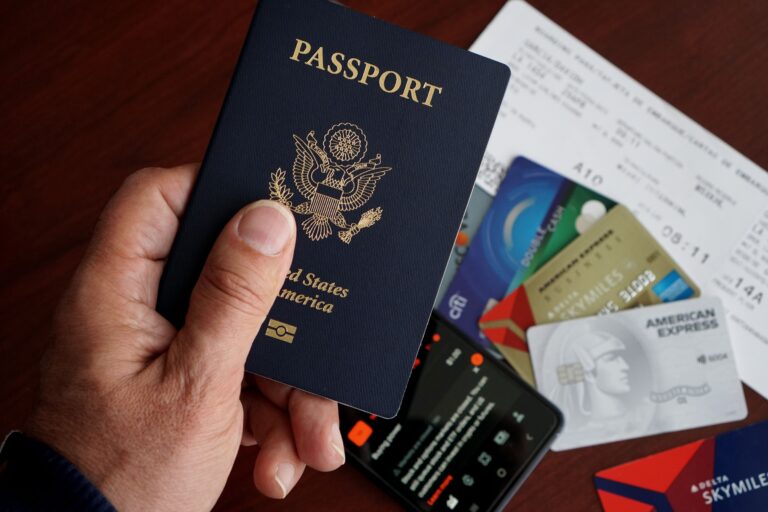
According to a recent cybersecurity breakdown reported by Fox News, identity thieves have weaponized sophisticated methods that completely neutralize traditional login screens. As an American navigating an increasingly cashless and interconnected economy, your bank accounts, credit portfolios, and digital assets are under constant, invisible siege. In my experience working with digital safety and consumer protection, the biggest vulnerability is not a lack of technical tools; it is the false sense of security we hold when we think our passwords make us invincible. Let us pull back the curtain on the six modern account takeover (ATO) threats that you need to watch out for today.

The 6 Modern Account Takeover Threats
1. Stolen Login Sessions (Session Hijacking via Cookies)
When you log into your online banking or Amazon account, the website drops a digital “cookie” or session token into your browser. This token tells the website, “This user has already proven who they are, so do not ask for their password again for a while.”
- The Threat: Hackers use specialized infostealer malware to extract these active session tokens directly from your web browser.
- How it works: Once they have your digital session token, they can copy it into their own browser from anywhere in the world. The website recognizes the token as valid and grants them full access instantly, bypassing both your password and your multi-factor authentication (MFA) prompts.
2. SIM Swapping and Mobile Carrier Fraud
Your smartphone is the central hub for your entire identity. If a criminal controls your phone number, they control your life.
- The Threat: SIM swapping does not require touching your physical phone. Instead, a scammer uses social engineering to trick your mobile carrier (like AT&T, Verizon, or T-Mobile) into transferring your phone number to a SIM card in the hacker’s possession.
- The Damage: Once the transfer is complete, your physical phone will lose all cellular signal. Meanwhile, all of your text messages, phone calls, and—most importantly—those crucial 6-digit bank verification codes will go straight to the hacker’s device, giving them free rein to reset your financial passwords.
3. Fake Login Approvals and MFA Fatigue Attacks
Multi-Factor Authentication (MFA) via push notifications was supposed to save us. However, hackers have found a psychological exploit around it.
- The Threat: This is known as an MFA Fatigue attack. If a hacker manages to get a hold of your credentials through a data breach, they will trigger a flood of login approval notifications to your phone, often late at night.
- The Trick: Your phone buzzes dozens of times with “Is this you logging in?” prompts. Out of sheer exhaustion, confusion, or an accidental click while trying to silence the phone, the user eventually hits “Approve.” That single tap hands total control over to the criminal.
4. Malicious Apps and Dangerous Browser Extensions
We love downloading free tools, ad-blockers, and quirky mobile applications. But some of these conveniences come with a heavy, hidden price tag.
- The Threat: Rogue browser extensions and malicious mobile apps are frequently injected into popular marketplaces. Once installed, they run quietly in the background, logging your keystrokes, capturing your screen, and stealing sensitive financial data before it even gets encrypted.
5. OAuth Consent Phishing (Malicious App Permissions)
Have you ever clicked “Sign in with Google” or “Log in with Apple” on a third-party website? While convenient, this mechanism creates a hidden vector for sophisticated phishing.
- The Threat: Attackers create a fake, malicious cloud application and send you a link that prompts you to grant it permissions.
- The Trap: If you accept the OAuth prompt, you are not giving them your password. Instead, you are granting that malicious app ongoing permission to read your emails, view your contacts, and access your cloud drives. Even if you change your account password later, that external app maintains its malicious access token until you manually revoke its permission.
6. AI-Powered Stealth Scams and Automated Takeovers
Cybercrime has entered the automation era. With the sudden rise of sophisticated artificial intelligence, hackers no longer need to execute these attacks manually.
- The Threat: Automated AI bots can scan billions of leaked data records in seconds, cross-reference them with your social media profiles, and execute highly targeted session hijacks or automated social engineering attacks at a scale never seen before. AI can even mimic a bank representative’s voice perfectly over the phone to extract your personal information.

Executive Action Plan: How to Protect Your Wealth and Identity
Knowing the threats is only half the battle. At Smartusshopper, we want to provide you with actionable, real-world strategies to secure your family’s future. Here is your monthly cybersecurity checklist:
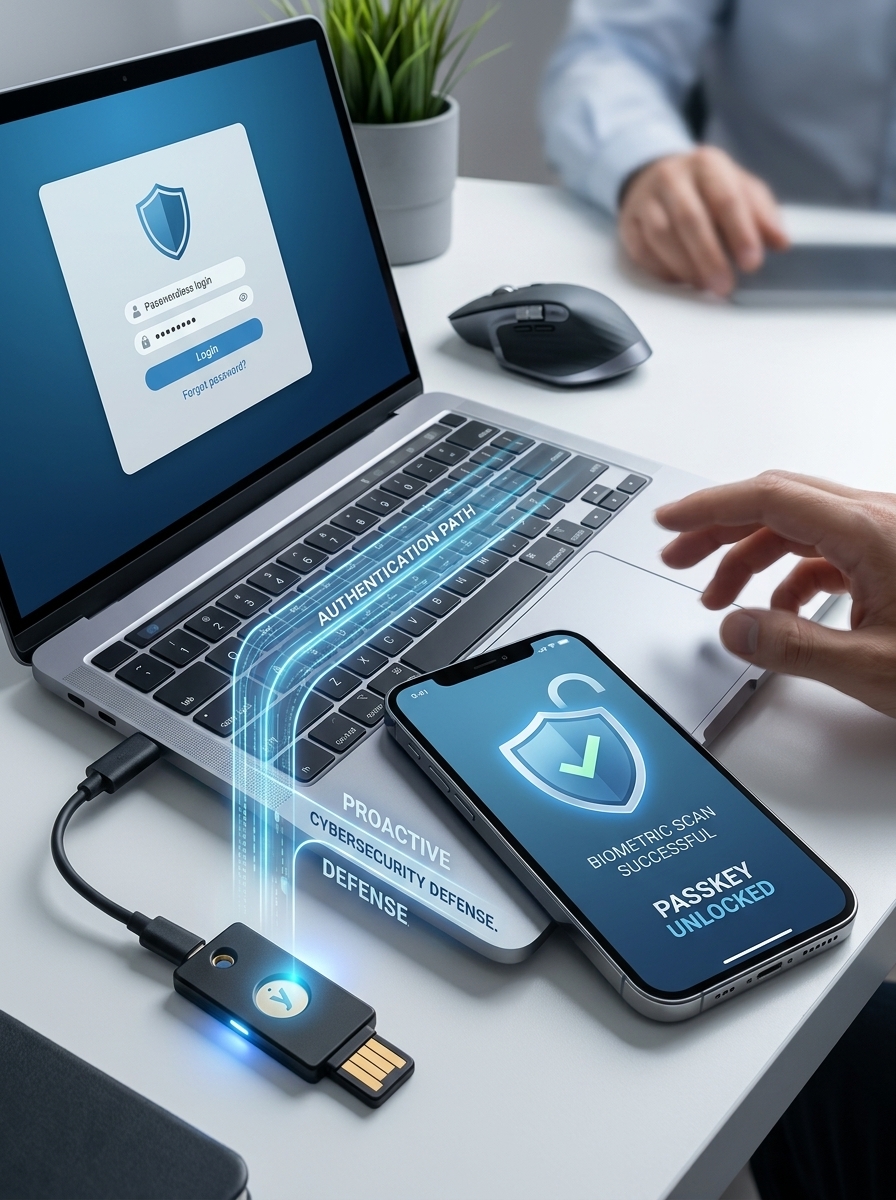
- Ditch SMS Text Codes for Authenticator Apps: Stop relying on 6-digit codes sent via text message, as they are highly vulnerable to SIM swapping. Switch your accounts to use an authenticator app (like Google Authenticator or Microsoft Authenticator) or hardware security keys (like YubiKeys).
- Transition to Passkeys: Whenever a financial or email service prompts you to set up a “Passkey,” do it immediately. Passkeys use cryptographic keys tied to your physical device (like your Face ID or fingerprint) and cannot be stolen via phishing or cookie theft.
- Implement a Strict Credit Freeze: In the United States, freezing your credit is completely free and is one of the most powerful steps you can take. You must contact the three major credit bureaus individually: Equifax, Experian, and TransUnion. This prevents criminals from opening fraudulent loans or lines of credit in your name, even if they take over your identity information.
- Perform a Monthly Digital Checkup: Once a month, log into your primary email and major banking applications. Go to the security settings and review all “Active Sessions” or “Connected Devices.” If you see a device or a location you do not recognize, click “Log Out All Devices” immediately and revoke any unfamiliar app permissions.
- Utilize Federal Resources If Compromised: If you believe your identity or accounts have already been breached, do not panic. Immediately visit IdentityTheft.gov, an official website maintained by the Federal Trade Commission (FTC), to receive a step-by-step, personalized recovery plan.